Filing court documents, paying court costs, or requesting official records can be confusing when different services are handled by different divisions. The Lorain County Clerk of Courts manages court records, processes legal filings, handles court-related payments, and provides vehicle title and passport services.
This guide explains which division handles different court matters, where to find filing information, how to make eligible payments, and where to access records and Auto Title services. The Clerk does not administer every court in Lorain County, so identifying the correct office is an important first step.
Lorain County Clerk of Courts: Roles and Responsibilities
The Lorain County Clerk of Courts performs administrative and recordkeeping duties for the Court of Common Pleas and handles applicable filings for the Ninth District Court of Appeals. The office also manages court-related financial transactions and maintains vehicle and watercraft title records. Each division has its own responsibilities, so the appropriate office depends on the service you need.
Key Roles and Responsibilities
| Role | Responsibility |
|---|---|
| Court Records Management | Maintains official court records, case files, indexes, and docket information. |
| Legal Filing and Document Processing | Processes eligible civil, felony criminal, domestic relations, and appellate filings. |
| Court Document Issuance | Issues authorized court documents, including applicable warrants and subpoenas. |
| Court Payments and Financial Records | Handles court costs, fines, restitution, and eligible payment arrangements. |
| Vehicle and Watercraft Title Services | Processes eligible vehicle and watercraft title transactions and maintains title records. |
| Passport Application Services | Accepts passport applications at designated Auto Title office locations, subject to applicable requirements. |
Which Court Divisions Does the Lorain County Clerk of Courts Serve?
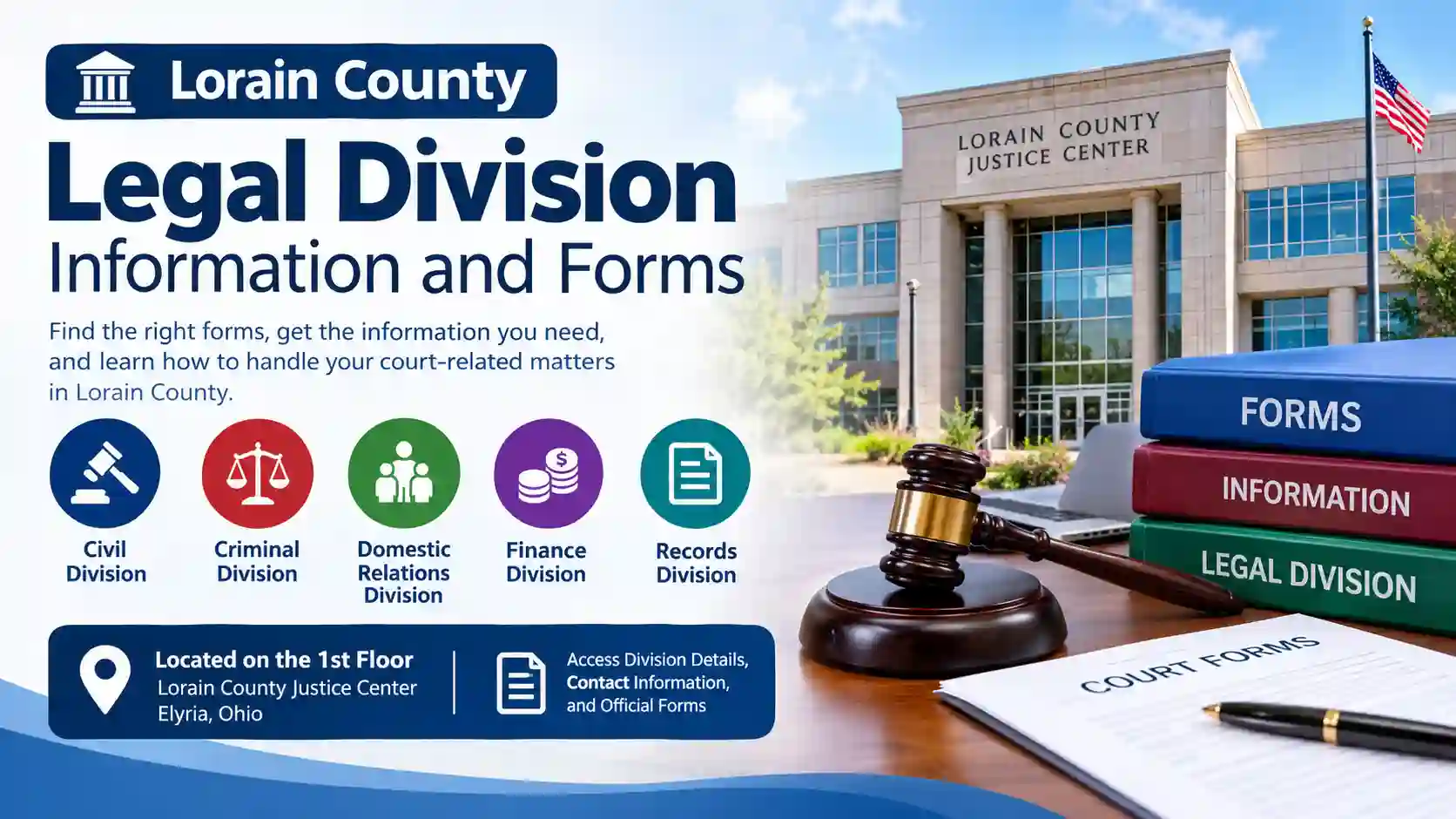
The Clerk’s Legal Division includes separate offices for civil cases, criminal cases, domestic relations matters, court finances, and records. The office also handles applicable filings for the Ninth District Court of Appeals. The descriptions below can help you identify the relevant division before contacting the office or submitting documents.
Civil Division
The Civil Division handles civil cases between parties, foreclosures, certificates of judgment, and related court filings. It also processes applicable appellate filings for the Ninth District Court of Appeals.
Contact this division for civil filing procedures, relevant forms, and questions about documents handled by the office.
- Address: 225 Court Street, Room 105, Elyria, OH 44035
- Phone: 440-329-5536
- Fax: 440-328-2416
Criminal Division
The Criminal Division handles felony criminal cases, including cases bound over from municipal courts and original indictments issued by a grand jury. Bond payments may also be handled by this office, depending on the case and applicable procedures.
Contact the division for information about felony filings, criminal court documents, and bond-related services.
- Address: 225 Court Street, Room 106, Elyria, OH 44035
- Phone: 440-329-5538
- Fax: 440-329-5404
Domestic Relations Division
The Domestic Relations Division handles documents associated with divorce, dissolution, annulment, and civil protection cases involving domestic violence.
If you need to file domestic relations documents, review the applicable forms and filing instructions before submitting paperwork.
- Address: 225 Court Street, Room 108, Elyria, OH 44035
- Phone: 440-329-5277
- Fax: 440-329-5506
Ninth District Court of Appeals Filings
The Clerk’s Civil Division handles applicable Ninth District Court of Appeals filings involving cases from Lorain County. Appellate proceedings have their own filing rules, required documents, and deadlines.
If you are appealing a court decision, review the applicable filing requirements and deadlines before submitting documents.
- Address: 225 Court Street, Room 105, Elyria, OH 44035
- Phone: 440-329-5536
- Fax: 440-328-2416
Finance Division
The Finance Division processes payments for court costs, fines, and restitution. It also establishes eligible payment plans and accepts credit card payments by phone.
Contact the Finance Division to confirm the amount owed, available payment options, or instructions for your case.
- Address: 225 Court Street, Room 107, Elyria, OH 44035
- Phone: 440-329-5625
- Fax: 440-329-5404
Records Division
The Records Division maintains court records and indexes dating back to 1824. The office also provides public-access terminals for searching computerized indexes and docket sheets.
Not every historical record is available online. The Clerk’s published guidance states that its online docket search generally covers cases from October 1987 onward. For older records, document copies, or information that is unavailable online, contact the Records Division about access and request procedures.
If you need to find case details or docket information, check our Lorain County Court Docket Search guide.
- Address: 225 Court Street, Room 109, Elyria, OH 44035
- Phone: 440-329-5511
- Fax: 440-329-5400
What Other Services Does the Clerk’s Office Provide?
In addition to court-related responsibilities, the Clerk’s office maintains vehicle and watercraft title records and provides passport application services through designated Auto Title offices. These services have different requirements from court filings.
Title transactions may require specific documents, identification, and fees depending on the transaction. For vehicle title transactions, watercraft titles, and passport applications, confirm the required documents and service availability before visiting an office.
Main Auto Title and Passport Office
- Address: 226 Middle Avenue, First Floor, Elyria, OH 44035
- Phone: 440-329-5127
Lorain Branch Auto Title and Passport Office
- Address: 621 Broadway Avenue, Lorain, OH 44052
- Phone: 440-244-5800
How to File Court Documents With the Lorain County Clerk of Courts
The Lorain County Clerk of Courts accepts filings for eligible matters handled by the Court of Common Pleas and applicable Ninth District Court of Appeals proceedings. Filing procedures, accepted submission methods, required documents, and fees depend on the division and case type. Before submitting paperwork, identify the correct division and review its filing requirements.
For more details about court divisions and related forms, check our Lorain County Legal Division Information and Forms guide.
How to E-File Court Documents Online
Electronic filing is available for eligible matters through the Lorain County Clerk of Courts’ online system. Users should select the appropriate case or division and follow the instructions provided by the filing portal.
Before submitting documents, check whether your case is eligible for electronic filing and whether registration or other account requirements apply. Electronic filing procedures may differ between General Division and Domestic Relations cases.
Use the official e-filing and court records portal to access the available services. Review the applicable division’s electronic filing rules before submitting documents.
What Are the Options for Submitting Documents?
Depending on the division and document type, court documents may be submitted electronically or through another method permitted by the applicable rules. In-person filing is an option for documents accepted at the relevant Clerk’s office, while other methods may be available for specific filings.
Before choosing a submission method:
- Confirm which division handles your case and whether it accepts your document through the intended method.
- Check the required forms, signatures, supporting documents, and any applicable filing instructions.
- Verify filing deadlines and allow enough time to complete the submission correctly.
Do not assume that every division accepts every document through the same submission method.
What Are the Filing Requirements and Fees?
Filing requirements vary according to the case and document being submitted. Some filings require specific forms, case designation sheets, supporting documents, service information, or an initial deposit.
Court filing fees and deposits depend on the type of case and filing. Review the current schedule before submitting your paperwork, because an incorrect payment or incomplete filing may delay processing.
Use the county’s official Deposit and Fee Schedule and the relevant division’s filing instructions to confirm the applicable requirements.
Civil Case Designation Sheet
The Civil Case Designation Sheet may be required for applicable civil filings. Review the form to understand the information requested before submitting your documents.
Civil Form 20 – Fee Waiver Affidavit and Order
If you cannot afford the applicable court filing fees, Civil Form 20 provides a fee-waiver affidavit and order for eligible circumstances. Review the form and applicable court instructions to understand the information required.
How to Pay Court Costs, Fines, and Restitution
The Clerk’s Finance Division handles payments for court costs, fines, and restitution and can establish eligible payment plans. Available payment methods depend on the type and status of the case.
What Payment Methods Are Available?
The Lorain County Clerk of Courts provides several ways to make eligible court-related payments:
- Online: Eligible payments can be made by credit card through the county’s online payment process.
- By mail: Payments can be mailed to the Finance Division at 225 Court Street, Elyria, OH 44035.
- In person: Payments can be made at the Finance Division, 225 Court Street, First Floor, Room 107, Elyria, OH 44035.
- By phone: Contact the Finance Division at 440-329-5625 to ask about payment options and credit card payments.
Check the instructions for your specific case before sending a payment or visiting the office.
Can You Pay Court Costs, Fines, or Restitution Online?
Online bill payment is available only for closed Criminal and Domestic Relations cases that are not in collections, according to the Clerk’s published instructions.
To check eligibility:
- Open the county’s court records and payment portal.
- Search for the case using the available name or case-number search.
- Open the matching case record.
- Look for the Pay Online option for the relevant party.
- Follow the payment instructions if the option is available.
If the case does not qualify or the payment option does not appear, contact the Finance Division for guidance. Online payment is not available for every case or balance. Use the official Make a Payment page to check the current instructions.
What Should You Check Before Making a Payment?
Before paying court costs, fines, or restitution, verify the following:
- Case number: Make sure you have selected the correct case and party.
- Outstanding balance: Confirm the amount currently owed.
- Payment eligibility: Check whether the case qualifies for online payment or requires another method.
- Payment instructions: Follow the county’s directions for the selected method.
- Confirmation and processing: The Clerk states that online payments are reflected in its system within one business day. Keep your payment confirmation for reference.
If the amount or payment instructions are unclear, contact the Finance Division before proceeding.
How to Request Copies of Court Records
Finding a case or viewing docket information online is not the same as obtaining an official copy of a court document. Some documents may need to be requested directly from the division responsible for the case, and copy or certification fees may apply.
How Do You Request Copies of Court Documents?
Start by identifying which court or division maintains the record. Contact that office to ask how to request the document and whether a copy fee applies.
When making a request, prepare as much of the following information as possible:
- Case number, if available.
- Names of the parties involved.
- Approximate filing date or year.
- Type or title of the document requested.
- Whether you need a regular copy or a certified copy.
The Records Division can help with records and indexes maintained by the Clerk, but some requests must be directed to the specific division responsible for the document. Confirm access requirements, fees, and processing arrangements with the appropriate office.
How Can You Request Older Court Records?
The Clerk’s Records Division maintains records and indexes dating back to 1824, but not all historical documents are available through the online docket system.
The county states that its online docket information generally begins in October 1987. For older cases or documents that do not appear online, contact the Records Division to ask about the available records and request process.
- Address: 225 Court Street, Room 109, Elyria, OH 44035
- Phone: 440-329-5511
If the record belongs to another court or county office, you may need to contact that office instead.
Are All Lorain County Court Records Available to the Public?
No. Not every court record is publicly accessible. Some records or documents may be confidential, restricted by law, or subject to a court order.
Access depends on the type of record, the applicable rules, and any restrictions that apply to the case. If a document is unavailable online or access is denied, contact the office responsible for the record to ask about the applicable procedure.
What Auto Title Services Are Available in Lorain County?
The Clerk’s Auto Title offices provide vehicle and watercraft title services separately from court filing and court-record services. The documents, fees, and processing requirements depend on the transaction.
Which Auto Title Services Are Available?
The county’s Auto Title offices handle a range of transactions, including:
- Vehicle title transfers when ownership changes.
- Duplicate or replacement titles when an original title is lost, stolen, or destroyed.
- Lien notations and related title transactions.
- Watercraft titles and registrations for eligible boats and other covered watercraft.
- Court-ordered title applications, which have specific instructions and documentation requirements.
- Passport applications and passport photos at designated Auto Title and Passport offices.
Some transactions require notarized signatures, identification, supporting paperwork, or additional documentation. Review the instructions for your specific transaction before visiting.
Where Are the Lorain County Auto Title Offices Located?
Lorain County has two Auto Title and Passport office locations.
Main Auto Title and Passport Office – Elyria
- Address: 226 Middle Avenue, First Floor, Elyria, OH 44035
- Phone: 440-329-5127
- Monday: 8:15 a.m.–4:30 p.m.
- Tuesday: 8:15 a.m.–6:30 p.m.
- Wednesday–Friday: 8:15 a.m.–4:30 p.m.
Lorain Branch Auto Title and Passport Office
- Address: 621 Broadway Avenue, Lorain, OH 44052
- Phone: 440-244-5800
- Monday: 8:15 a.m.–6:30 p.m.
- Tuesday–Friday: 8:15 a.m.–4:30 p.m.
Both offices provide Auto Title and Passport services, but some services and inspection arrangements differ by location. Confirm that the office handles your specific transaction before visiting.
What Documents and Fees Are Required for Auto Title Services?
Required documents and fees depend on the transaction. A title transfer, duplicate title, lien notation, or court-ordered title may each require different paperwork.
For example, the county lists standard fees for several title transactions, but additional charges such as late fees, sales tax, or notary fees may apply. Some transactions also require notarized signatures or supporting documents.
Check the applicable title instructions and current fees before submitting an application. Bring the required documents and confirm any transaction-specific requirements with the Auto Title office.
What the Lorain County Clerk of Courts Cannot Do
The Clerk of Courts performs specific administrative and recordkeeping duties. Understanding these limits helps you contact the correct office and avoid delays.
- The Clerk does not administer every court in Lorain County. Probate Court and municipal courts have their own responsibilities and procedures. Juvenile cases are handled by Domestic Relations Court, according to the county’s directory.
- The Clerk cannot provide legal advice. Staff can explain administrative procedures and filing requirements, but they cannot advise you on what legal action to take in your case.
- The Clerk cannot guarantee that every record is available online. Online coverage varies, and some records may be restricted or require an in-person or separate request.
- The Clerk cannot remove a court case from the public record simply because a judgment has been paid. The county explains that removal generally requires applicable legal authority or a court order.
- The Clerk cannot waive filing requirements on request. Documents must comply with the applicable rules, and fees or deposits may apply unless an authorized waiver or other exception is available.
If you are unsure where to file a document, request a record, or ask about a payment, contact the division responsible for that matter before proceeding.
Frequently Asked Questions (FAQs)
Q: Can You Request Court Records Without Knowing the Case Number?
Yes, other identifying details may help the Records Division locate a record. Provide the parties’ names, approximate filing date, and document type if available. Contact the division to confirm what information it needs.
Q: Can Someone Else Request Copies of Your Court Documents?
Access depends on the record type and applicable confidentiality restrictions. Some documents may be publicly accessible, while others may be restricted. Confirm access and identification requirements with the division that maintains the record.
Q: How Can You Check Whether Your Court Filing Was Accepted?
Check the applicable e-filing system or court record for available filing-status information. If the status is unclear or the filing does not appear, contact the division handling your case to confirm receipt and whether any action is needed.
Q: What Happens if You Miss a Court Filing Deadline?
Missing a filing deadline may affect your case or limit your available options. The consequences depend on the case type, applicable rules, and court orders. Contact the responsible court or a qualified attorney promptly to understand the next steps.
Q: Can You Submit Court Documents by Fax or Email?
Accepted submission methods depend on the court division, document type, and applicable filing rules. Do not assume fax or email is an accepted filing method. Confirm the current instructions with the division before sending documents.
Q: How Can You Find Out Whether a Court Document Requires a Filing Fee?
Fees depend on the type of case and document. Check the county’s current Deposit and Fee Schedule and the relevant division’s instructions before filing. If the applicable fee is unclear, contact the Clerk’s office to confirm the amount.
Q: What Should You Do if Your Court Record Does Not Appear in the Online Search?
First, check that the case details are correct. Some older records may not appear in the online docket, and certain documents may be restricted or unavailable online. Contact the Records Division if you cannot locate the record or need help requesting a copy.
Final Thoughts
Knowing which Lorain County Clerk of Courts division handles your matter can save time and help you avoid filing or payment delays. Whether you need to submit documents, check a case record, pay court costs, or complete a title transaction, confirm the correct office and its current requirements before taking the next step.
Keep copies of submitted documents, payment confirmations, and important case information for your records. For matters involving legal deadlines or decisions, consult a qualified attorney rather than relying on administrative guidance alone.